Short answer: It depends on the surface on the back of your phone. The Flip 360 Phone Kickstand sticks to glass, matte phone backs, hard cases and clear cases, but its page says it is not compatible with silicone, leather or glossy finishes. If your phone lives in a silicone or leather case, a stand that holds the phone rather than sticking to it, such as the Pocket 3-in-1 Magnetic Phone Stand or the 240W USB-C Cable with Built-in Phone Stand, is the simpler match.
A kickstand is one of the most useful small accessories you can add to a phone. It props the screen up for video calls, recipe videos, cricket highlights on the commute or a movie on a flight. But a stick-on stand only works as well as the surface it is stuck to, and that is the part most buyers skip. This guide matches each Necesories stand to the phone back or case it suits.

What kinds of phone stands are there?
Most phone stands fall into three groups. Stick-on kickstands attach to the back of the phone or case with an adhesive pad and fold flat when you are not using them. Magnetic or suction mounts hold the phone with magnets and attach to a wall, mirror, tile or fridge. Desk stands sit on a table and hold the phone upright, and some are built into another accessory, like a charging cable.
Each type suits a different day. A stick-on kickstand is always with you. A magnetic mount is better for filming and hands-free use on vertical surfaces. A desk stand is handy where you also need to charge.
Will the Flip 360 kickstand stick to my case?
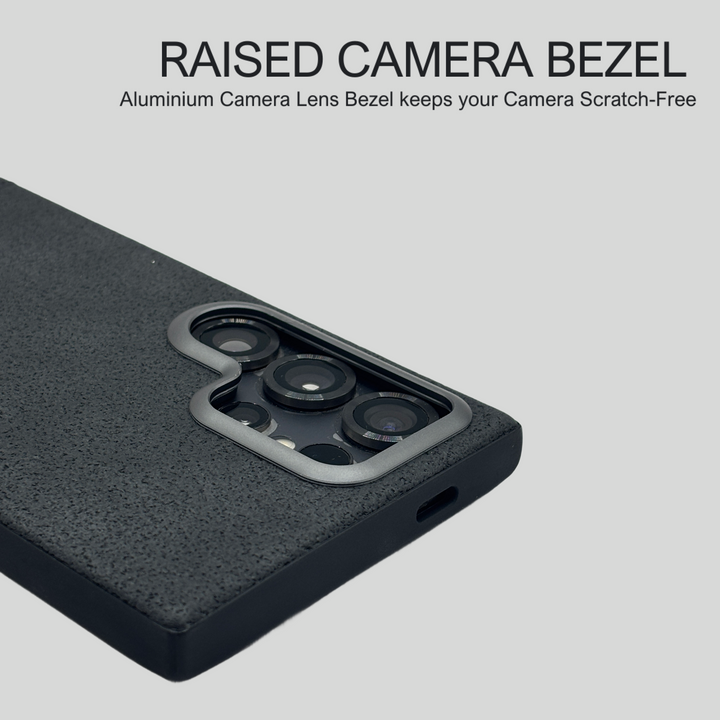
The Flip 360 Phone Kickstand uses a strong adhesive pad that bonds to glass and matte phone backs, hard cases and clear cases. Its product page states that it is not compatible with silicone, leather or glossy finished surfaces. So if you use your phone without a case, or in a hard or clear case, it is a good fit.
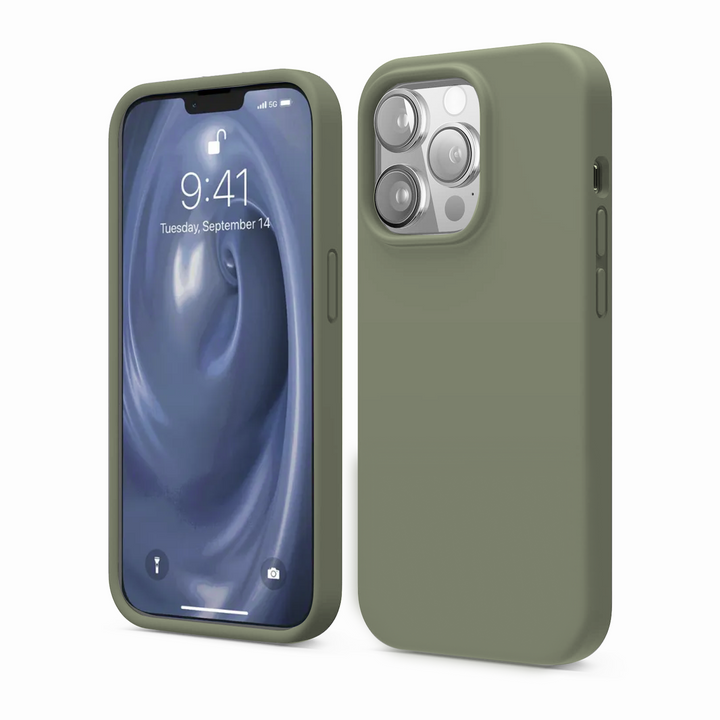
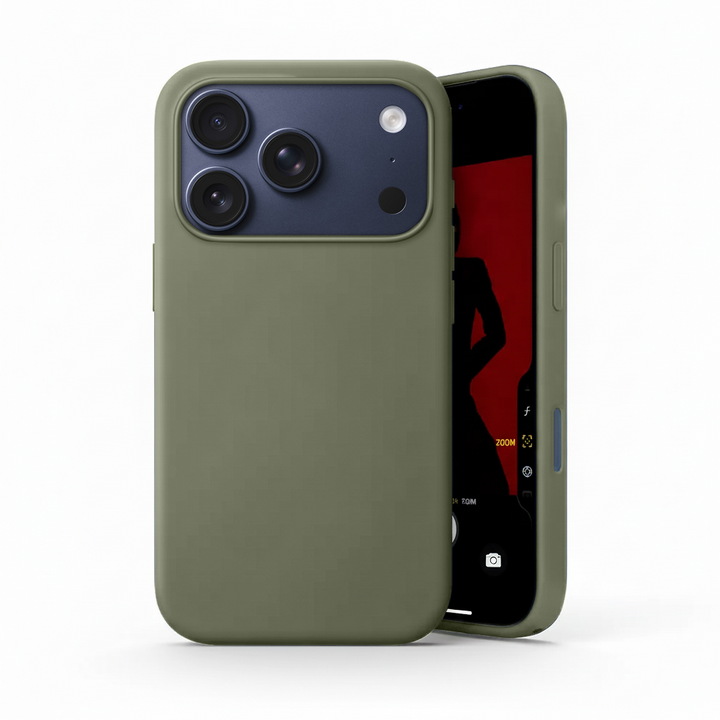
If you use a liquid silicone or PU leather case, the Flip 360 is not the one to choose for that case. The stand itself works with all smartphones; the limit is the surface the pad goes on.
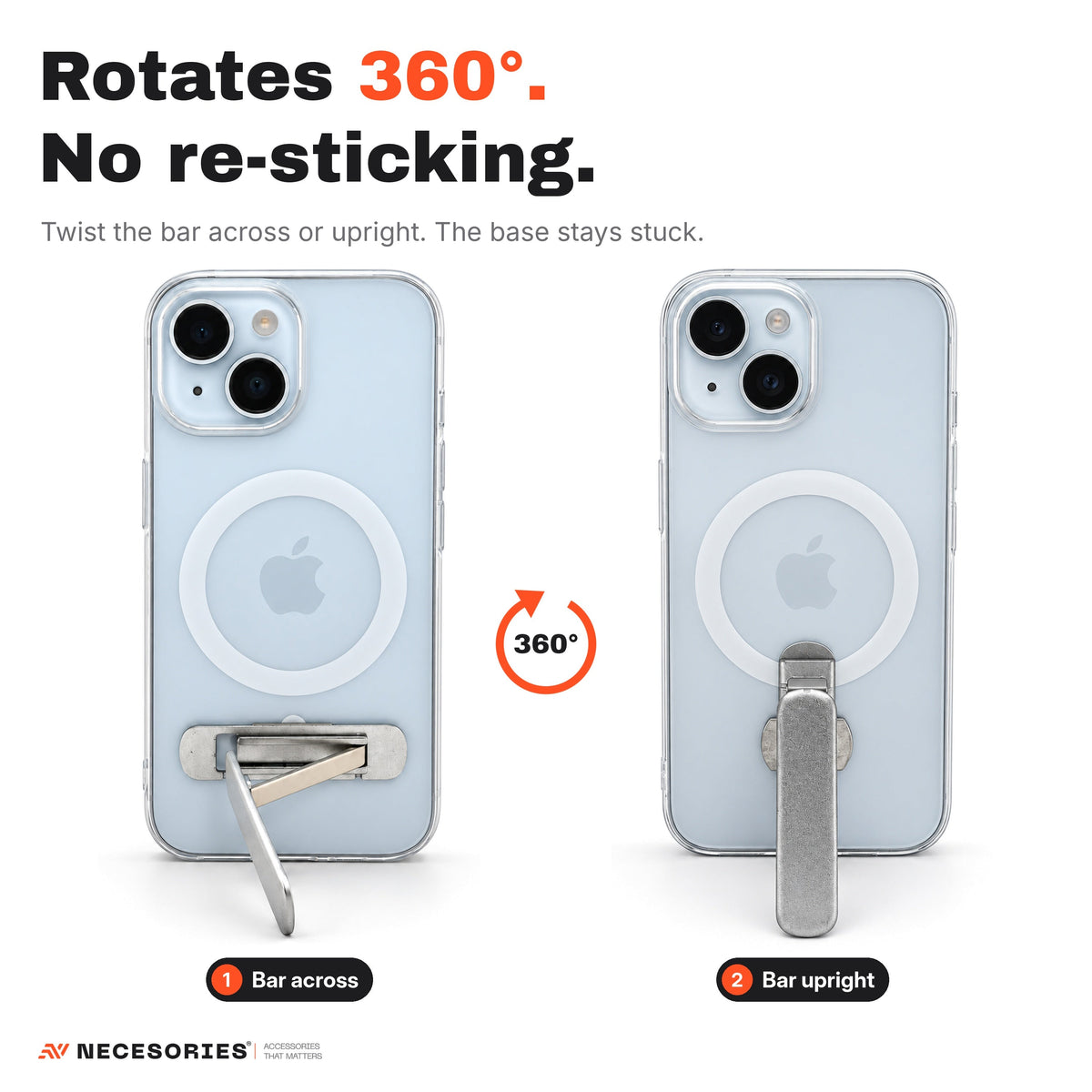
Here is what the Flip 360 page lists. It is made from zinc alloy, measures 55 x 14 x 4.5 mm and weighs 11.5 g, so it sits close to the phone and still slides into a pocket. The base turns a full 360 degrees and the hinge tilts from 0 to 90 degrees, so you can set it in portrait or landscape. It supports devices up to 300 g, and the hinge has been tested through 500 open and close cycles. In the box you get the stand, a spare adhesive pad, an alignment card and a setup guide.
Which stand suits a silicone or leather case?
Choose a stand that holds the phone rather than one that sticks to the case. The Pocket 3-in-1 Magnetic Phone Stand has a hand-press silicone suction side for glass, tile, marble, mirrors and laminated wood, and a magnetic side for a fridge, locker or any iron or steel surface. The phone snaps onto the front with N52-grade neodymium magnets, and the head swivels 360 degrees between portrait and landscape.
Its page says iPhone 12 and newer snap on directly through their built-in magnetic ring, and a magnetic ring sticker is included for other phones, to stick on the back of the case. Keep in mind that a case without magnets can stop a phone attaching directly: our PU Leather Case for iPhone page notes it has no MagSafe magnets, so magnetic accessories will not attach through it.

The other option needs no attachment at all. The 240W USB-C Cable with Built-in Phone Stand has a foldable stand with a viewing angle up to 90 degrees, so it props up your phone on a desk while it charges, whatever case you use. It is 1.5 m long with a flat braided build and an L-shaped connector.
Which phone stand suits your day?
| Stand | How it attaches | Best surface or case | Good for |
|---|---|---|---|
| Flip 360 Phone Kickstand | Adhesive pad on phone or case | Glass and matte phone backs, hard cases, clear cases | Everyday viewing in portrait or landscape |
| Adjustable Metal Pocket Kickstand | Adhesive tape on phone case | Clean phone case (see product page) | Pocket or keychain carry |
| Pocket 3-in-1 Magnetic Phone Stand | Suction or magnet to a surface, magnet to phone | Mirrors, tiles, fridges, desks | Reels, recipe videos, workout clips |
| 240W USB-C Cable with Built-in Phone Stand | Sits on a desk, no attachment | Any case | Video calls and streaming while charging |
You can compare all of these in the stands collection. For ideas on using a stand for filming, see our guide on how to mount your phone for Reels and video calls.
How do I fit a stick-on kickstand so it stays put?
For the Flip 360, the page sets out three steps. First, clean the surface, rest the alignment card on the bottom edge and position the stand between the orange marks. Second, remove the liner, place the stand just above the card and press firmly for 30 to 40 seconds. Third, wait 15 to 20 minutes before using it.
For the Adjustable Metal Pocket Kickstand, the page says to clean the case, peel off the adhesive tape backing and fit the stand slightly below the centre of the case for better grip and balance. It comes in Black and Silver.

If you want to know whether the cable suits your phone or laptop, our guide on whether a 240W USB-C cable works with your phone, iPad or MacBook covers it.
Quick checklist before you buy a phone kickstand
- Check what is on the back of your phone: bare glass, a matte back, a hard or clear case, or a silicone or leather case.
- For glass, matte backs, hard cases and clear cases, a stick-on kickstand like the Flip 360 fits.
- For silicone or leather cases, choose a stand that holds the phone, like the Pocket 3-in-1 or the 240W cable stand.
- Check the weight limit: the Flip 360 supports devices up to 300 g.
- Clean the surface and let the adhesive set before first use.
FAQ
Does the Flip 360 kickstand work on a silicone case?
No. Its product page says it is not compatible with silicone, leather or glossy finished surfaces. It is made for glass and matte backs, hard cases and clear cases.
Can I use the Flip 360 in landscape mode?
Yes. The base rotates 360 degrees and the hinge tilts from 0 to 90 degrees, so it works in portrait and landscape.
Will a kickstand make my phone too thick for my pocket?
The Flip 360 is 4.5 mm thick and 11.5 g, and folds flat against the phone, so it still slides into a pocket.
Does the Pocket 3-in-1 stand work with Android phones?
Yes. A magnetic ring sticker comes in the box for Android phones; you stick it on the back of your case and press for thirty seconds.
What if my kickstand comes loose?
The Flip 360 comes with a spare adhesive pad. Clean the surface, use the alignment card and press firmly for 30 to 40 seconds.